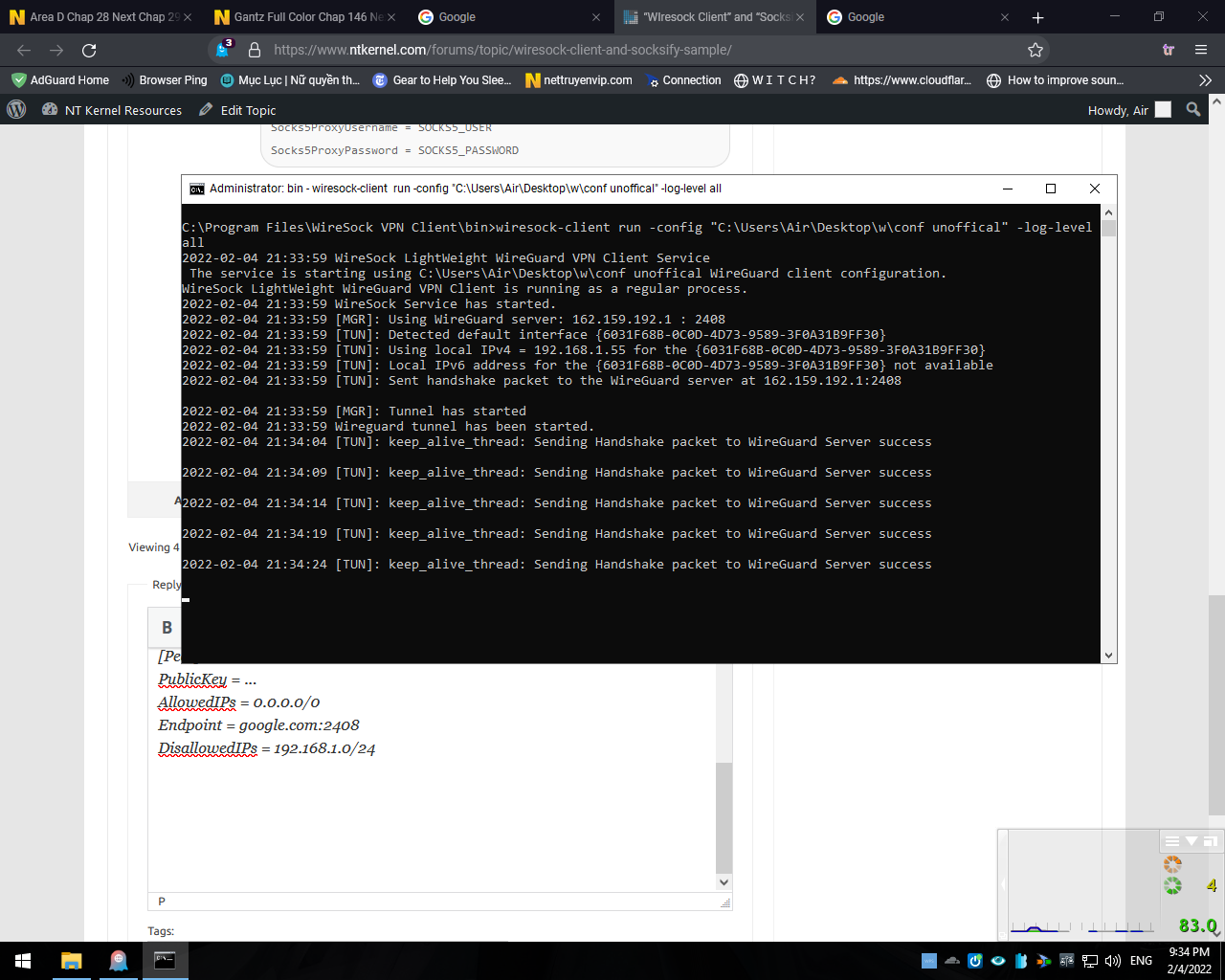
Thanks for your reply, I dont understand that you said dont specify, i try to delete “AllowedApps” line and restart wiresock service and there is no connection over VPN, i also try leave blank AllowedApps = “blank” , it doesnt work too.
Since I’m usually running WireSock VPN Client for the Chrome browser app, it was straightforward to test. I have commented out AllowedApps and restarted service. Now, Firefox/Edge also show the VPN address on https://www.whatismyip.com/. Here is the resulted configuration file (key and passwords are stripped out):
[Interface]
PrivateKey = PRIVATE_KEY=
Address = 10.66.66.2/32, fd42:42:42::2/128
DNS = 94.140.14.14, 94.140.15.15
MTU = 1420

[Peer]
PublicKey = PUBLIC_KEY=
AllowedIPs = 0.0.0.0/0, ::/0
Endpoint = oracle.sshvpn.me:50812
#AllowedApps = chrome
DisallowedIPs = 192.168.1.0/24
Socks5Proxy = oracle3.sshvpn.me:1080
Socks5ProxyUsername = SOCKS5_USER
Socks5ProxyPassword = SOCKS5_PASSWORD
Can you share your config file? Also, if you experience any problems, then try running Wiresock VPN Client as a console application with -log-level all and share the output.
About Socksify sample, can you support it tunnell all apps, not only selected apps ?
This is relatively easy to do, just remove the application name check, and it will tunnel every new TCP connection via the SOCKS5.

.